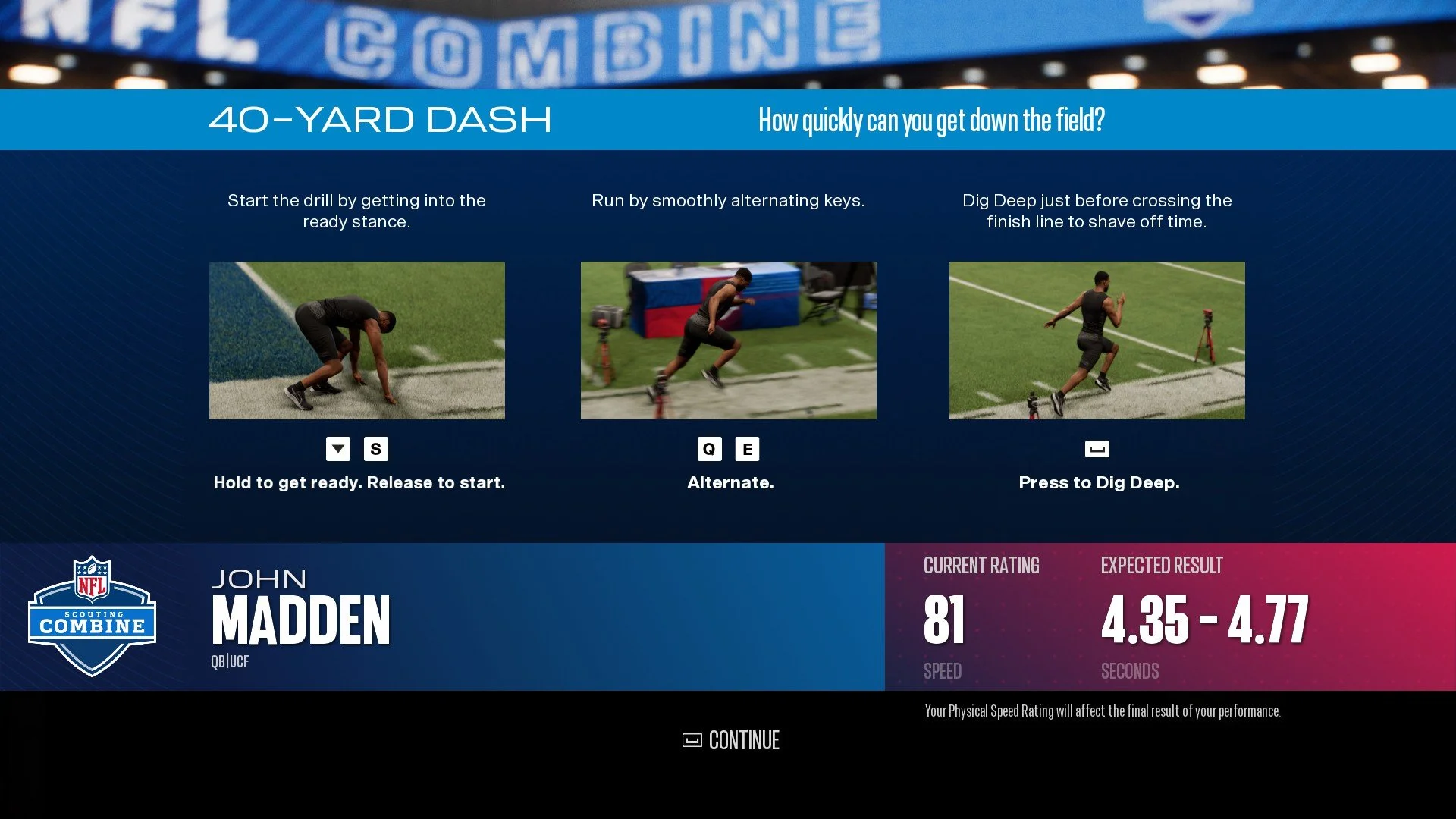
Main menu
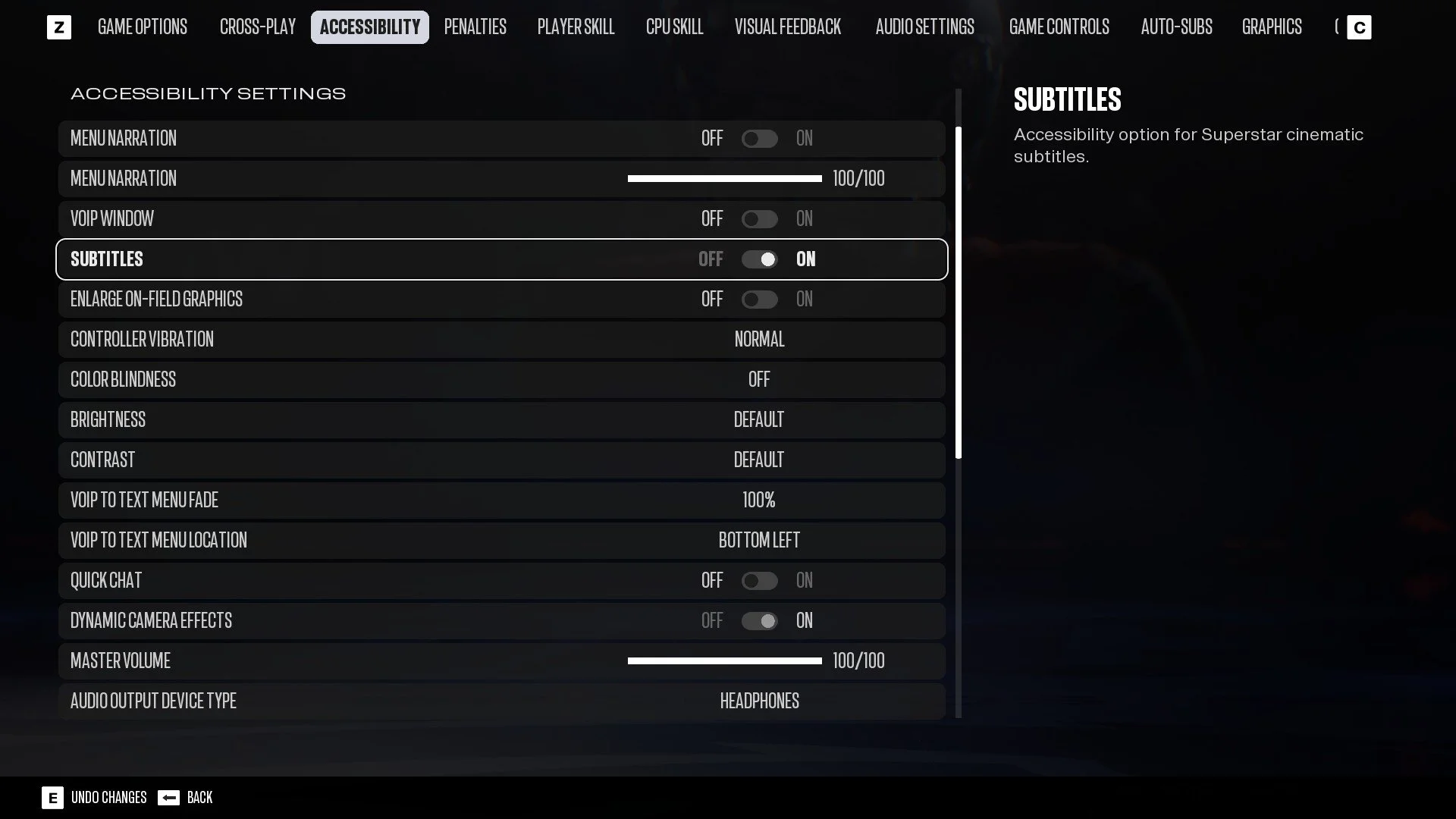
For Madden 27, I updated the visuals on the entire main menu screen including each of the individual widgets. I also handled the yearly update for most of the core UI elements that are used through out the entire game, such as colors, fonts, frames, buttons, filters, toggles, sliders, etc. I made sure the game’s UI is consistent with the design system by keeping up constant communication with the visual designers.
Broadcast packages and score bugs
I’ve led a team of technical designers to successfully release a feature that the Madden leadership team has been aiming to deliver for more than a decade. That feature is called Broadcast Packages. It is basically about allowing the presentation of the game to change depending on which theme is used. These themed presentation designs are described in an article from EA saying, “We’re thrilled to finally give our players the experience of three primetime broadcast packages in addition to our new Madden package…For example, you’ll immediately notice the score bug as one of many visual elements with a distinct look for each package. We’ve also included custom broadcast graphics for pregames, drive starters, and touchdowns. There’s also package-specific wipes for players and teams.”
In the development of Madden 25, I took on the challenge of updating the score bug. It is one of the most complicated UI widgets in the game because of how dynamic it needs to be to respond to various data. At the time, I had never worked on the score bug nor had any knowledge on the design, logic, or data requirements. I was able to successfully convert it from an older tech stack to the more modern proprietary game engine.
The following year, the team decided to commit to completing the Broadcast Packages feature. I guided my team and coordinated with other teams through the pre-production, production, and post-production phases of development to successfully deliver this feature. I took the initial set up of the data by the software engineers and expanded upon it to create a system for applying differently themed visual designs to various UI widgets. I mentored the other technical designers on how to create variant widgets and connect them to that system. I continued to support the other technical designers in completing the creation of these new visuals and animations. Meanwhile, I focused primarily on implementing multiple designs for the score bug.
I single-handedly completed updating the default Madden package version of the score bug as well as the Thursday Night and Sunday Night versions. For the Monday Night version of the score bug, I walked another technical designer through creating the various parts of it, skinning it, and troubleshooting any issues. I reviewed their work and we successfully released four total versions of the score bug alongside all of the other UI with themed Broadcast Package versions.
The videos below showcase the three score bugs that I brought to life within the game based on our visual designers mocks.
Reveal - Madden Theme
Touchdown - Madden Theme
Message - Madden Theme
Penalty - Madden Theme
Down and distance on-field widget
I worked on implementing and resolving issues with this UI that is displayed on the field itself instead of on a screen layer.
Down and distance - Madden Theme
Accessibility
I researched the math and science behind color contrast ratios and successfully implemented a calculator that can at runtime determine the contrast ratio between two colors. Using the output of that calculation, I created a logic prefab that can change either one of those colors in order to have a more accessible contrast ratio. This was required in the game because there are dynamically data driven team colors applied to certain UI elements. Normally, the contrast ratio of colors should be considered in the design phase before implementation. However, when the colors can’t be determined beforehand then a runtime solution is required. I created a solution to this scenario with that logic that is able to determine when a contrast ratio is inaccessible according to the accessibility standards. The technical designers are able to choose whether the color that is known beforehand will change or if the indeterminate color should change depending on the particular design scenario. Sometimes it is more appropriate to change one color or the other depending on what else is on the screen or if the UI element is text or a background.
This video shows a very simple use case for this. In the bottom right of the screen is text with a background behind it that has a team color applied. If the team color is light enough then white text in front of it will not have a contrast ratio that is accessible. When that is the case, the color of the text changes to black. An example of the team color needing to change instead can be seen in the videos above where the Broncos’ secondary team color, a light orange, is displayed on the score bug instead of their primary, a dark blue.
Various other UI widgets and screens
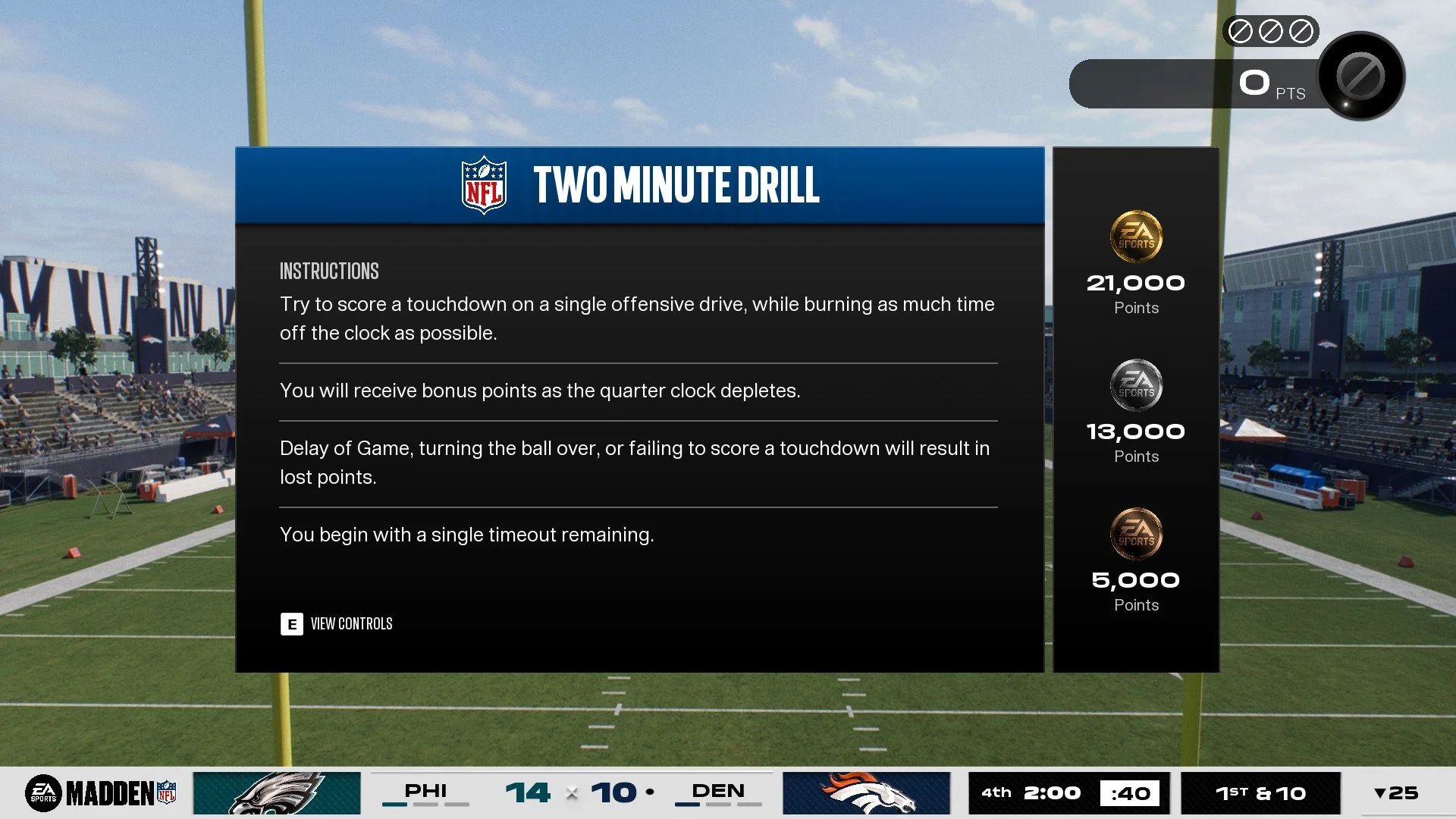
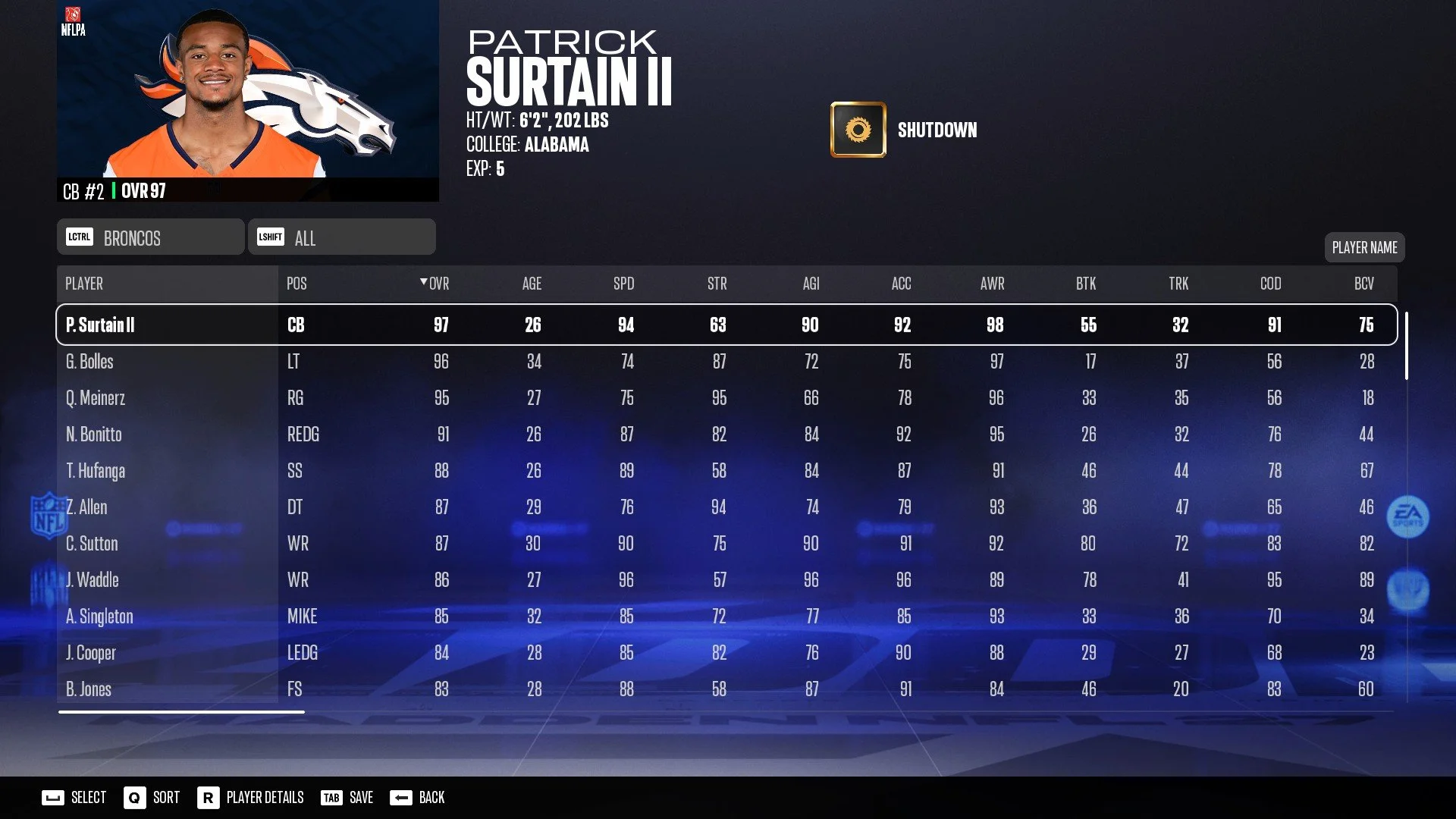
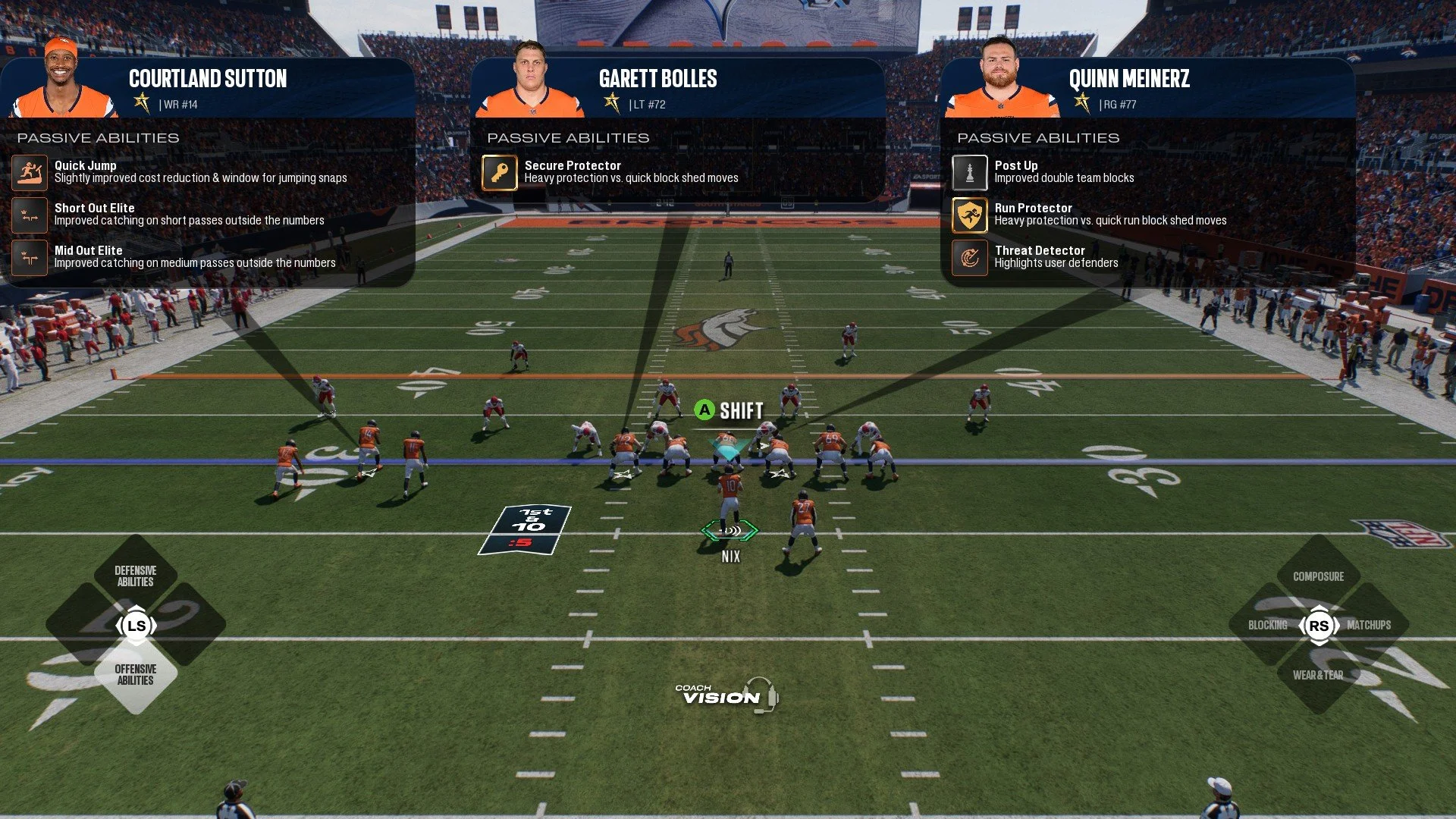
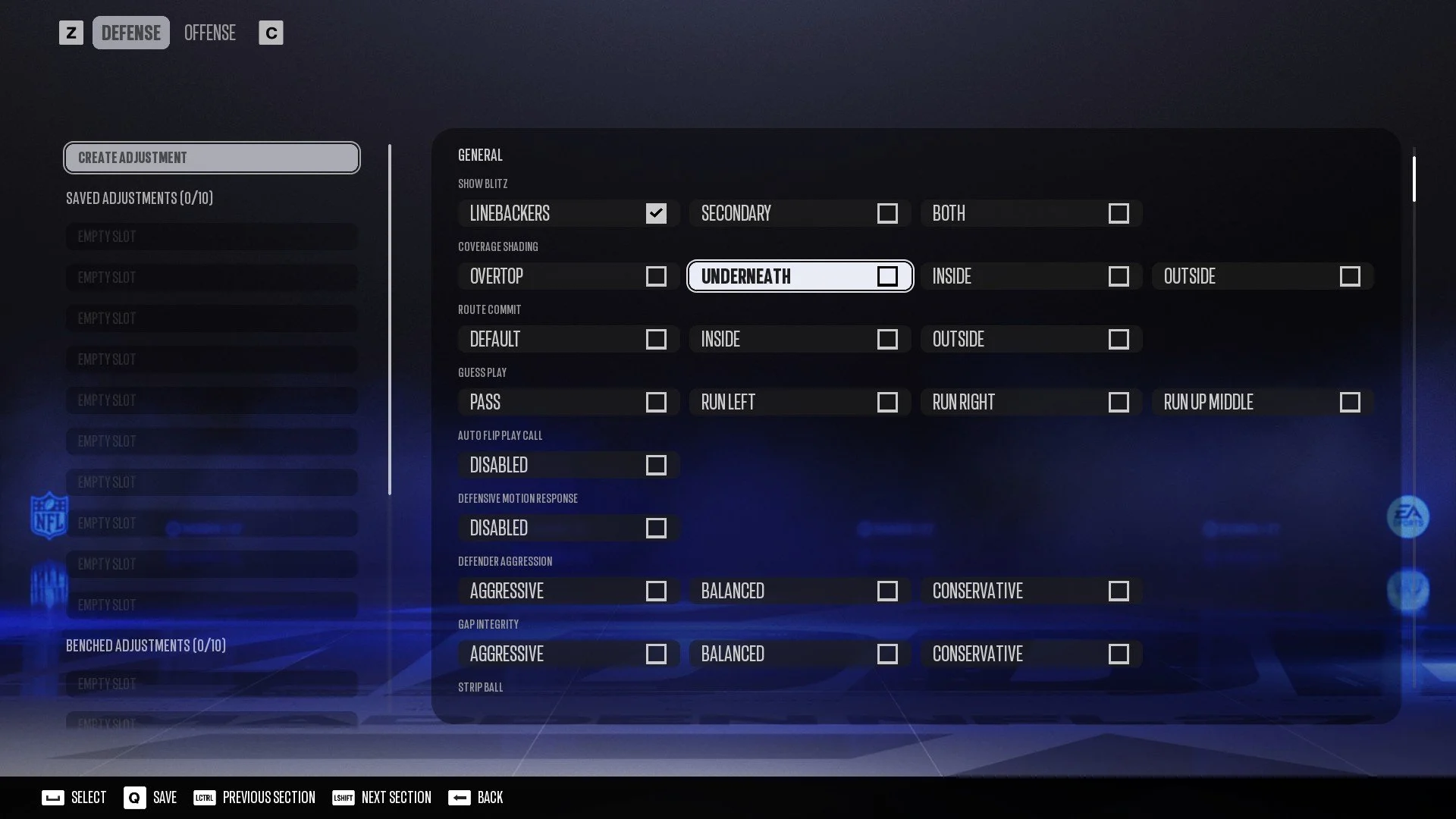
I’ve worked on creating and updating most of the core UI in the game including the critical path. The below are screenshots and videos to show the finalized look of some designs I worked on in Madden 27.
Loading screen. More importantly, I aligned the various loading screens and backgrounds in the game to support varying screen aspect ratios.
Reveal - Thursday Night Theme
Mini Games Score Tracker (top right)
Touchdown - Thursday Night Theme
Message - Thursday Night Theme
Penalty - Thursday Night Theme
Down and distance - Thursday Night Theme
Reveal - Sunday Night Theme
Touchdown - Sunday Night Theme
Message - Sunday Night Theme
Penalty - Sunday Night Theme